01 / PHONE + PC
Chat on your phone or PC.
Open the same chats from your phone or computer, over your local network or VPN. Your Windows PC runs the model and stores your conversations. Replies keep running if your phone disconnects.
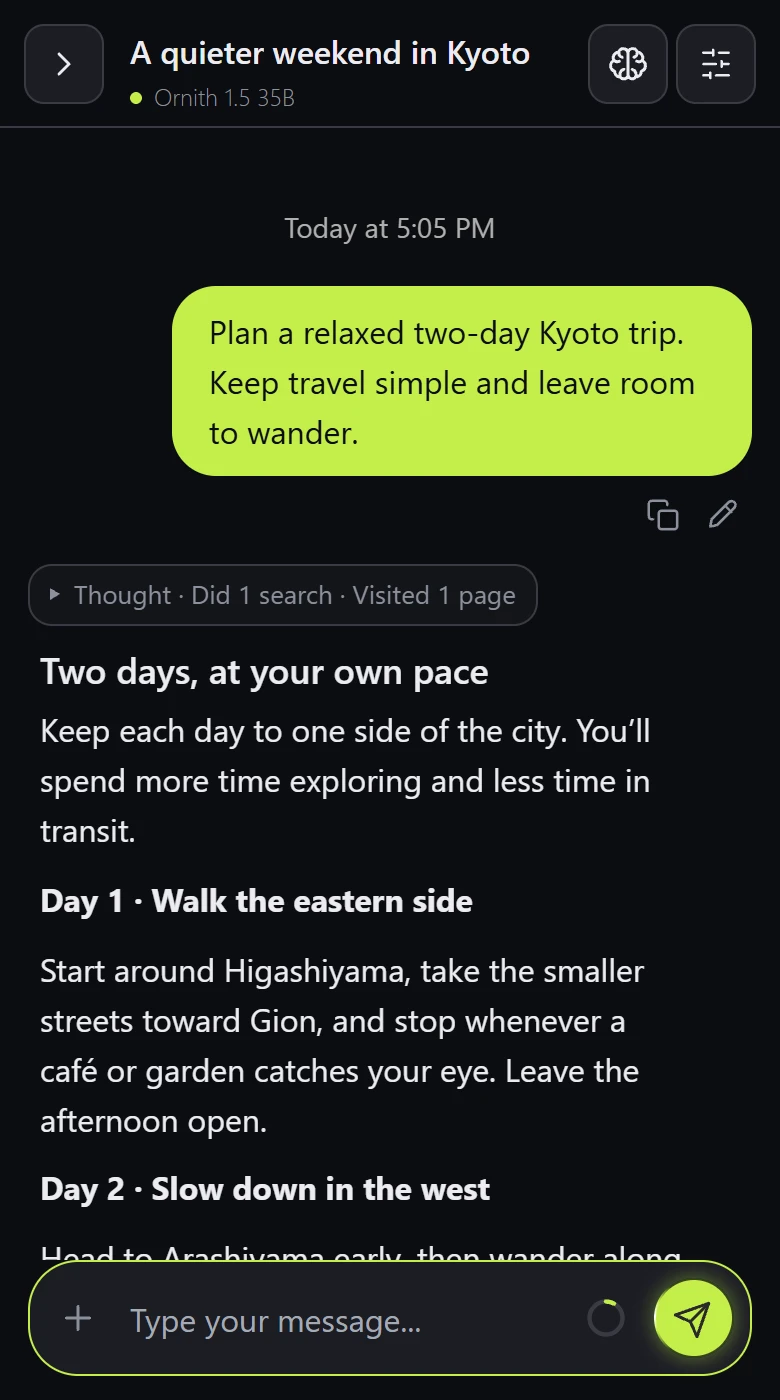
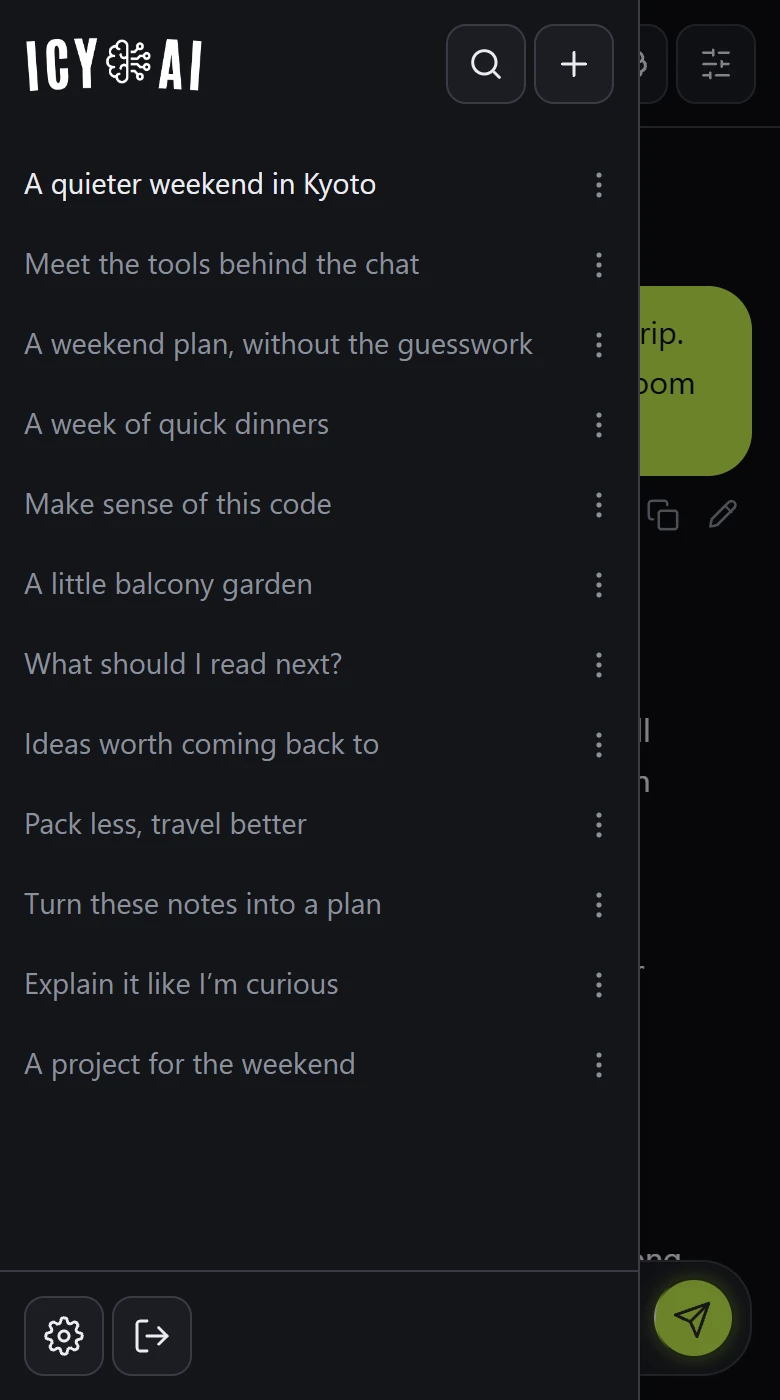
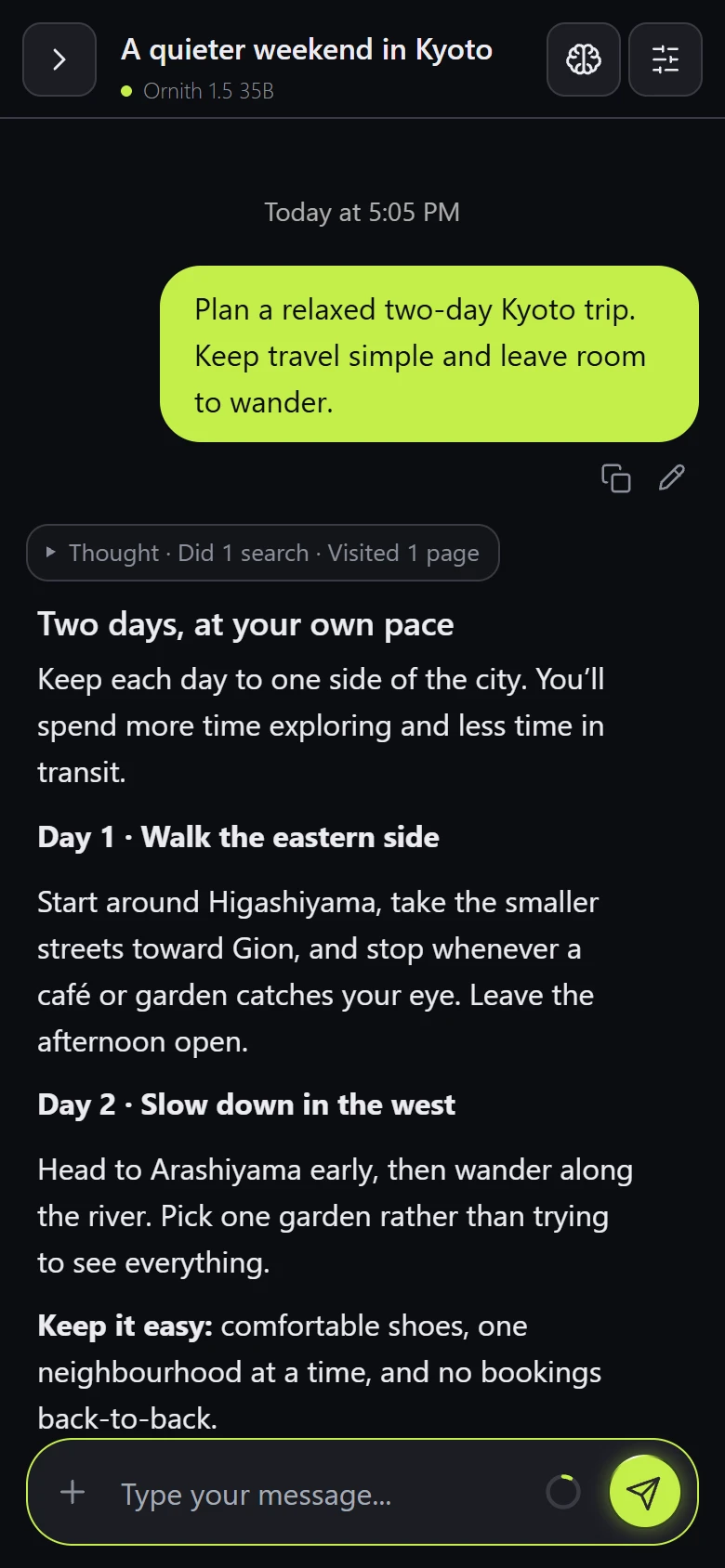
Local AI that's easy to setup. Run your models on your PC, then chat from anywhere with web access, deep research and other tools built in.
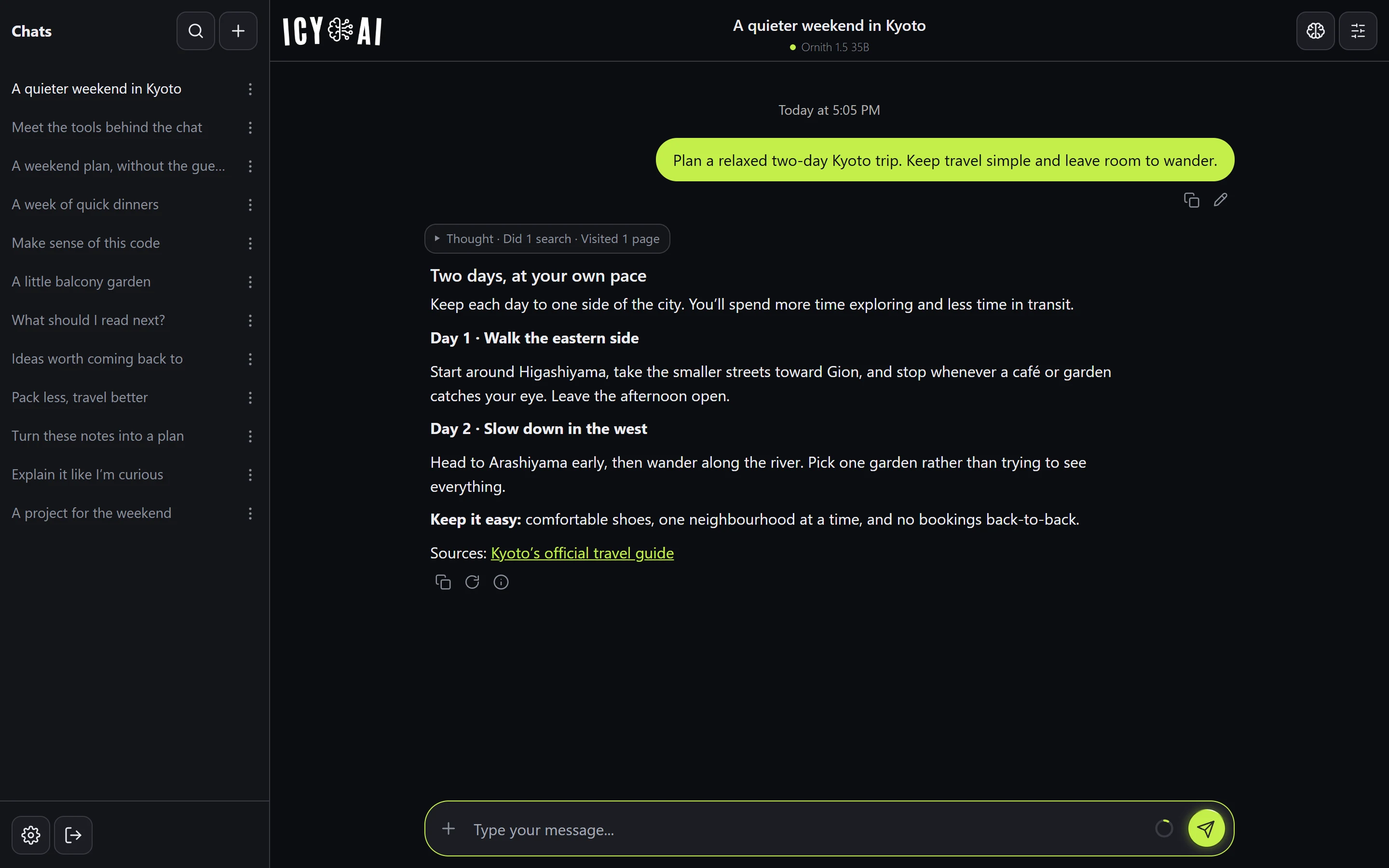
A changelog as things ship.
ICY AI runs standalone. The Windows installer bundles the model engine, chat app and tools—LM Studio is no longer required.
Scan a local GGUF library, save settings per model and run Auto Calibrate on supported models. Idle unloading frees resources between chats.
Guided server setup and device connection instructions help you use the same chats from phones and computers on your network or VPN.
Chat from your phone or browser. Your PC does the legwork, running your models and tools, and storing data locally.
Open the same chats from your phone or computer, over your local network or VPN. Your Windows PC runs the model and stores your conversations. Replies keep running if your phone disconnects.
Use Web Search for a quick lookup or Deep Research for a broader investigation. Open the tool steps to see the searches and pages your model used, then check the source links yourself.

Scan your local GGUF library and save settings for each model. Auto Calibrate benchmarks supported models on your GPU and saves performance settings. Idle unloading releases resources when you’re not chatting.

Add multiple file types. Ask for a summary, analysis, find a detail or compare data. Text is extracted on your PC, and you can inspect the extracted text.
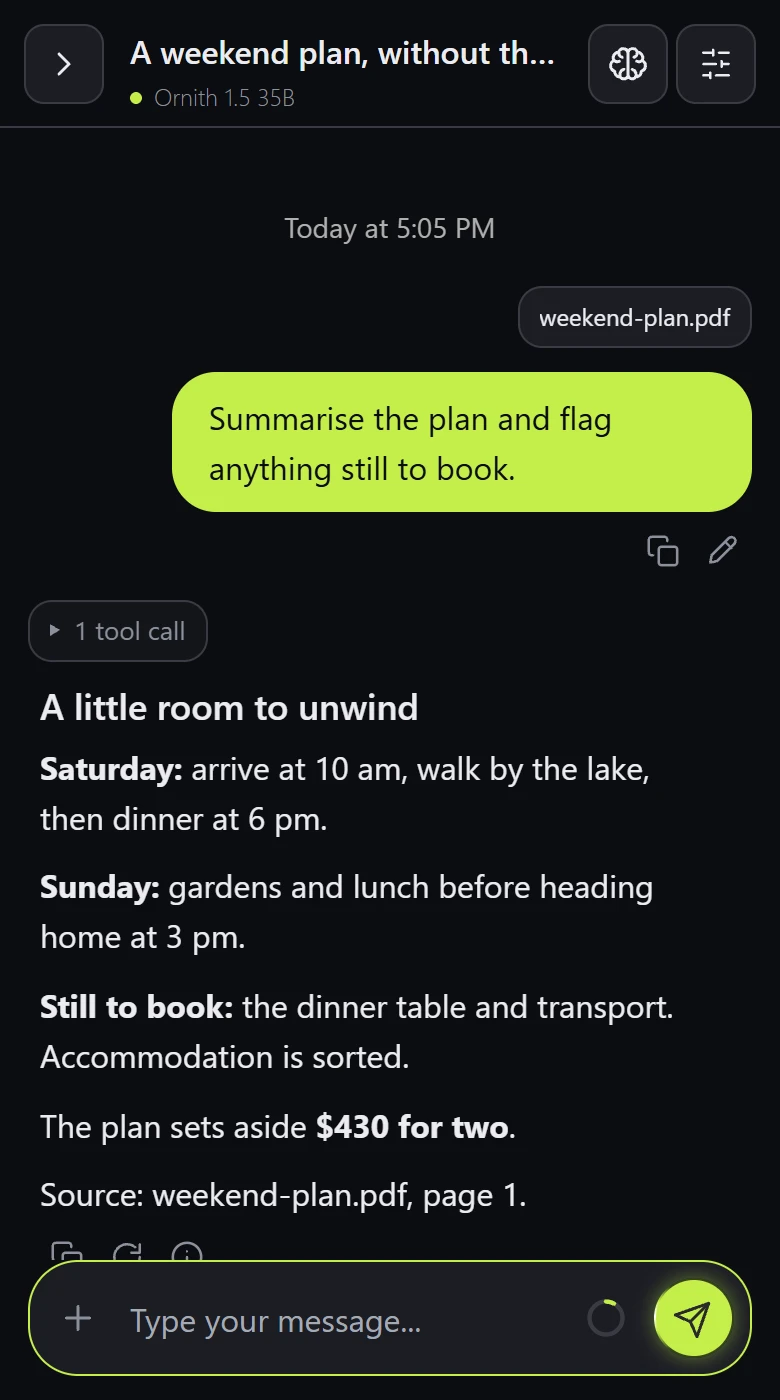
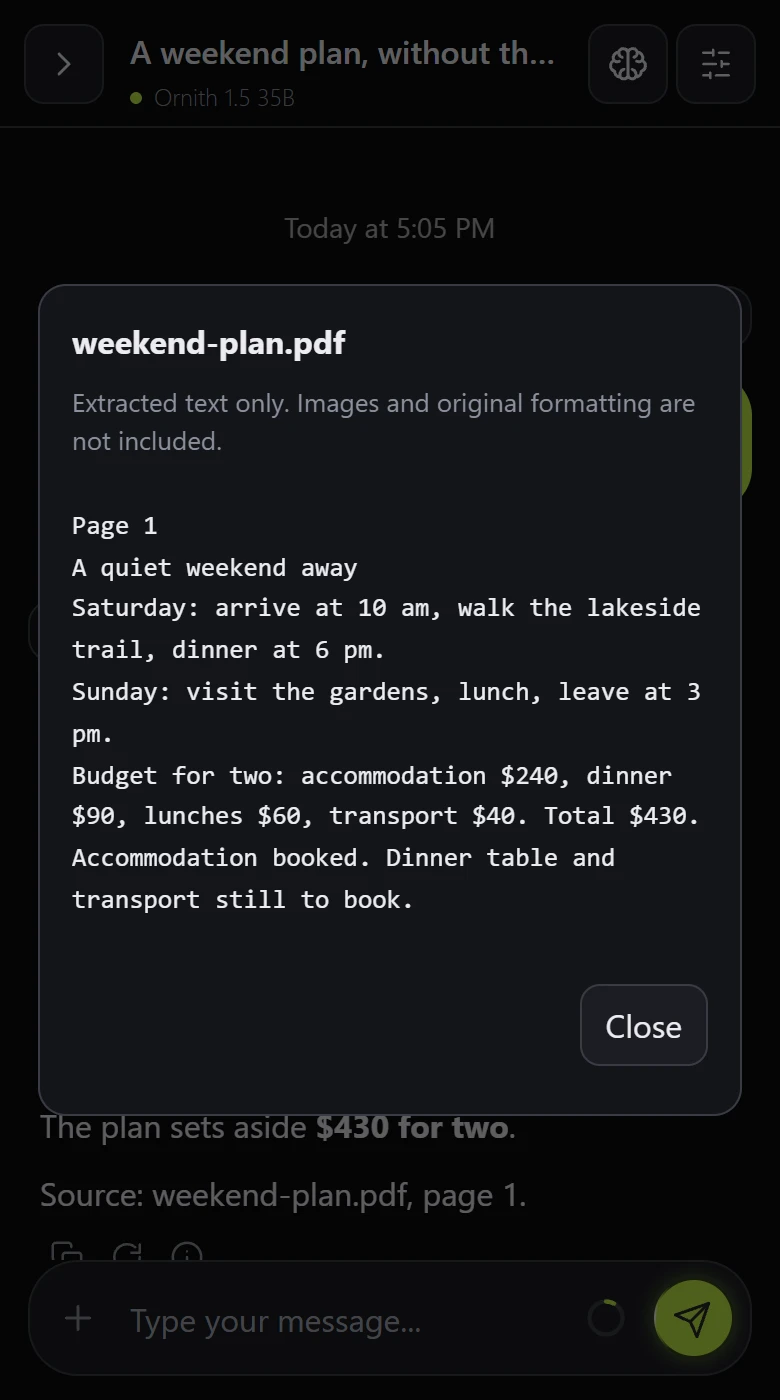
Thinking Mode · Deep Research · Web Search · File Attachments
Per model settings · Model switching · Edit & resend · Export · Enhanced calculation
One Windows installer. Bring your own GGUF models. No separate app required.
A standalone local AI app, with its own chat interface and a bundled inference and model engine. Add your GGUF model folder, choose a model and chat from your computer or phone. No separate app is needed. Currently supported on Windows, and coming soon to Linux and MacOS.
Your models run on the server computer, where your chats, settings and extracted file text are stored. Web Search and page reading contact external services, where requests can include details from your chat or files. Your phone connects to your computer, not a hosted chat service.
Scan a folder of local GGUF models. Model files are separate downloads and stay where you put them. Compatibility and speed depend on the model, engine support and your hardware. Models without tool support have the relevant controls disabled.
It tests a model’s performance and tunes prompt-processing chunk size, draft tokens, cache precision, GPU memory reserve and conversation memory cache. It may take several minutes.
It lets supported models reason before answering, even with Web Search off. Behaviour depends on the model. Deep Research combines a research workflow with higher search and page-reading limits, but it still depends on the model using its tools well.
At the moment: PDF, DOCX, TXT, Markdown, CSV, JSON and LOG files. Text is extracted on your server computer, and you can inspect it in the chat. Image analysis, video and OCR are coming soon. Attachment tools require a compatible model.
Use Server Setup from the Windows tray icon, then follow the device connection instructions. Connect over your local network, or a VPN that can reach the server when you’re away. A phone or browser client doesn’t run the model itself.
Windows x64 is the currently verified server platform. Phones and other computers can access its browser interface. MacOS and Linux server packages aren’t ready yet, but they're on the way.
The Windows beta has passed installation and phone-access checks, but a public download isn’t available yet. Leave your email and we’ll let you know when it is.
Leave your email and we’ll let you know
when it's ready to download.